Design it yourself. Print it at home.
Make your own phone case, lamp shade, lithophane, puzzle, clock or colour photo print right in your browser, or download one of our free 3D models. You see everything in 3D first, and you download a ready-to-print STL for your own 3D printer.


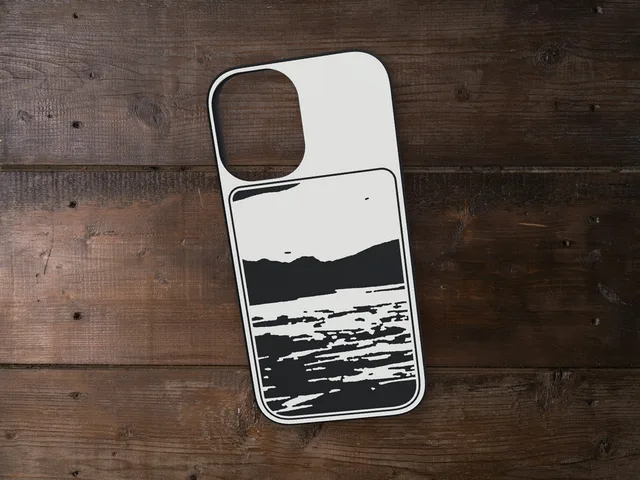
Phone case
Your photo in any shape, and your own text, on the back of your iPhone case, from the iPhone 12 mini to the 18 Pro Max: as a relief or in up to six colours.
Design your case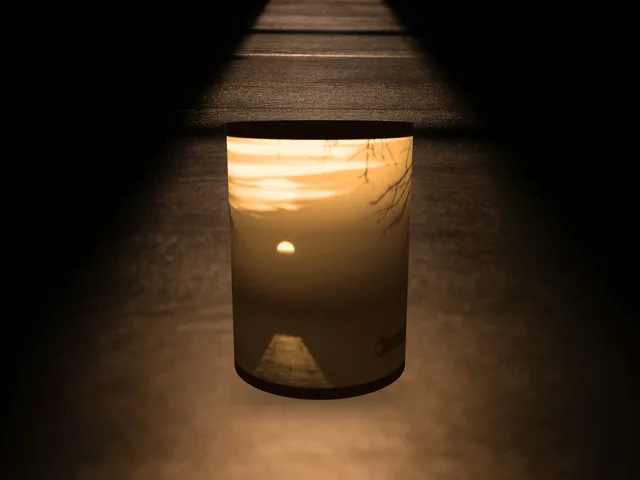
Lamp shade
A round lamp shade with your photo in it, which lights up over an LED tea light.
Design your lamp shade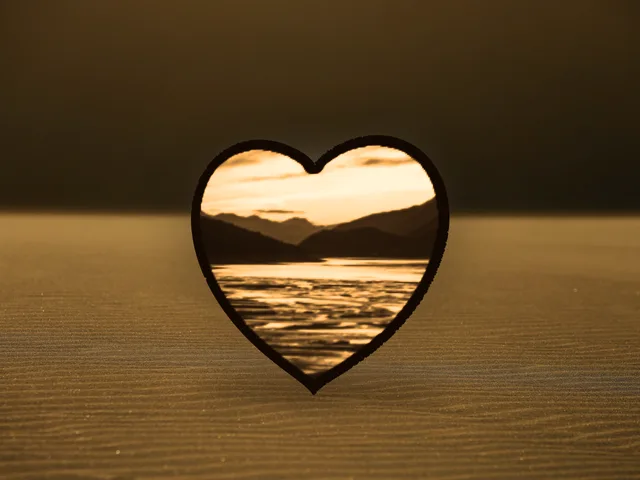
Lithophane
Your photo in 3D that appears as soon as light shines through it. Curved, heart or round.
Design your lithophane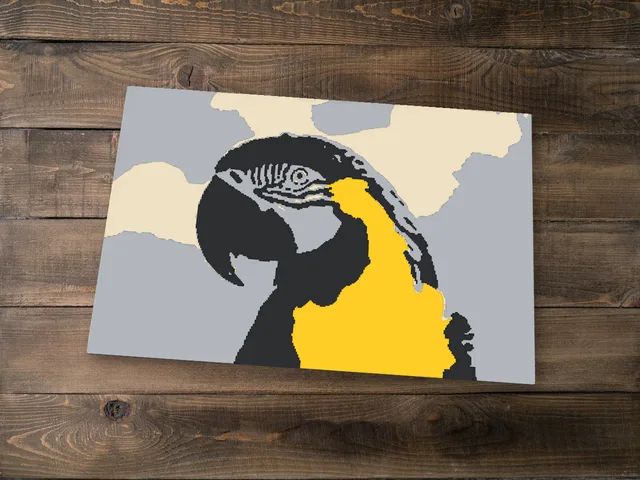
Photo to STL
Any photo as a flat colour print: a few filament swaps on any printer, colour areas for an AMS, or a one-colour relief. You set the size, shape, colours and layers.
Turn a photo into an STL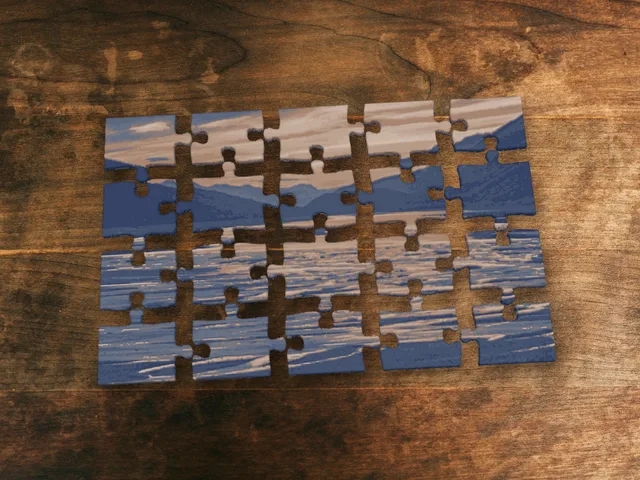
Photo puzzle
Turn any photo into a jigsaw puzzle you print in colour with a few filament swaps, from 12 to 70 pieces, with a tray if you like.
Make your puzzle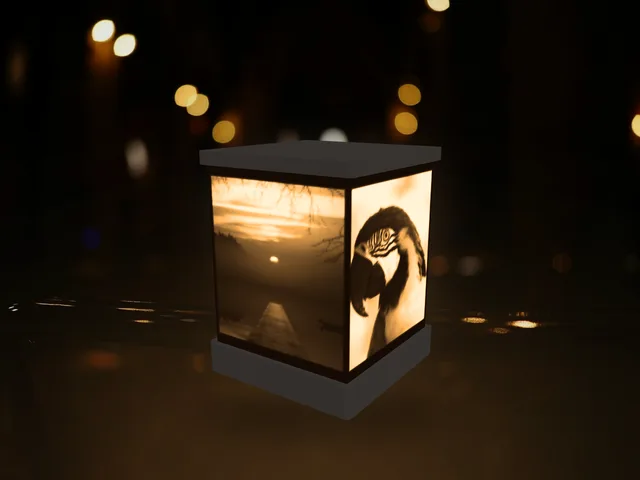
Night light
Put your photos on every side of a little lantern that glows with an LED tea light inside. Print the base, lid and panels at home.
Make your night light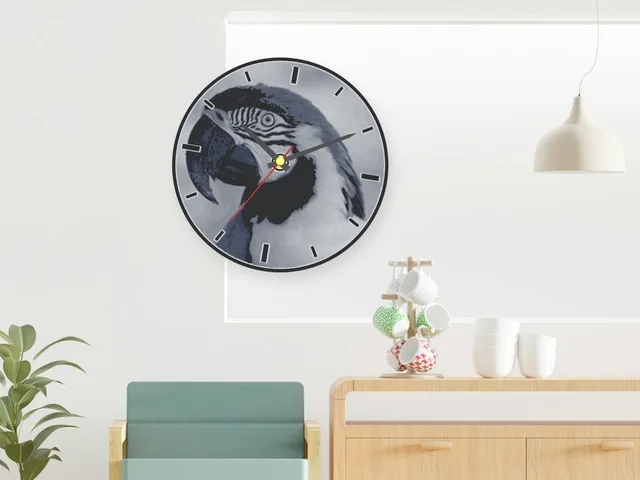
Wall clock New
Your photo as a clock face, printed in colour on any printer. It fits a standard quartz movement, and you get a list of what to buy.
Make your clock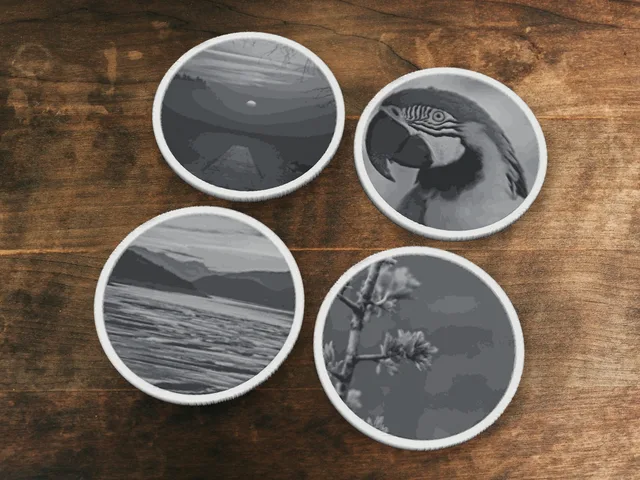
Photo coasters New
A set of drink coasters with your photos, with a drip rim, recesses for rubber pads and a holder for the stack.
Make your coasters Also: keychain or name sign Your own text and font, in a contrasting colour.
Designed here, printed by you
Desk fans, a self-watering planter, a drawer cabinet, stands and more from the Shapekit workshop. All the STL files, print settings and building steps, free to download.
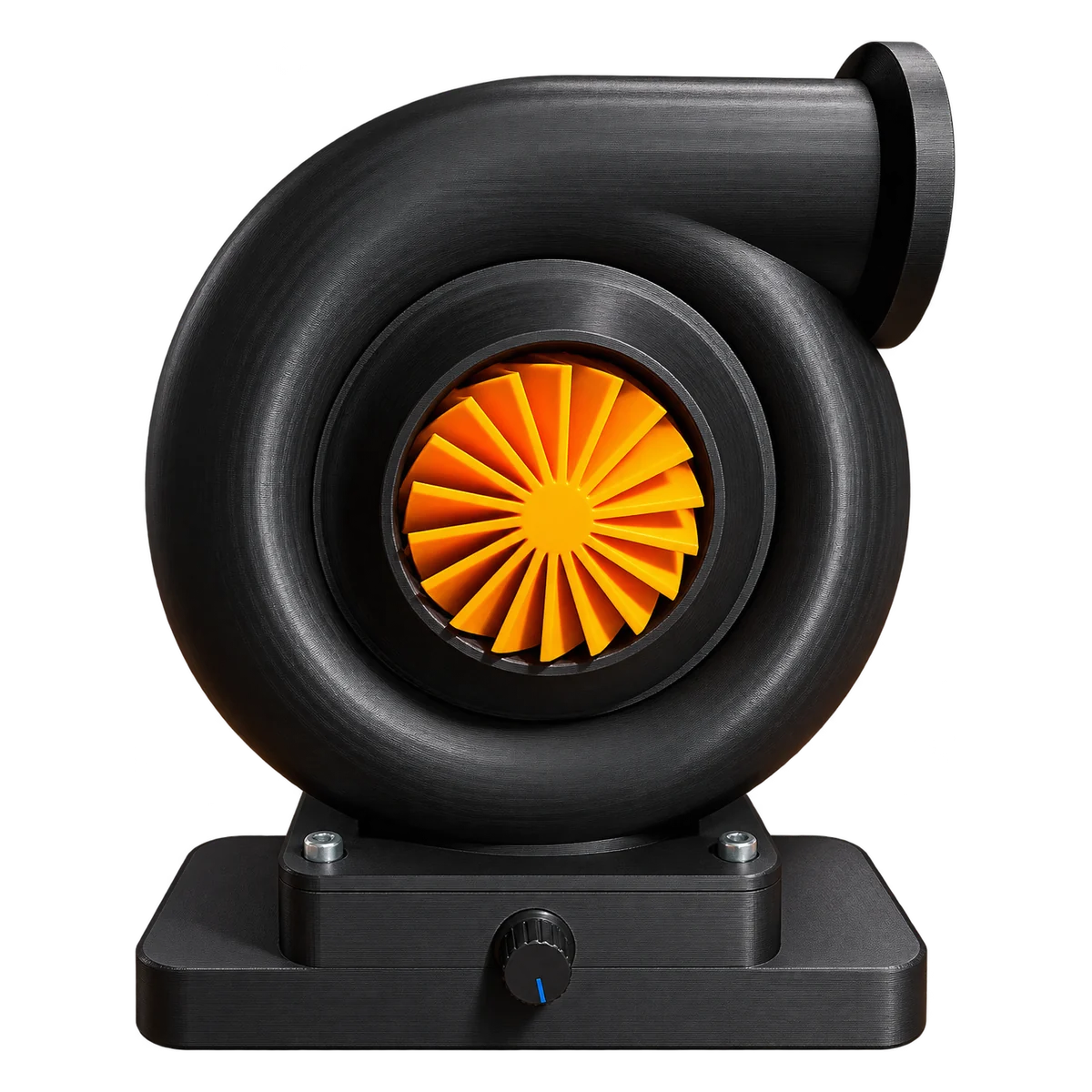
Turbo Desk Fan
A working desk fan shaped like a car turbocharger, with a speed knob in the base.
View and download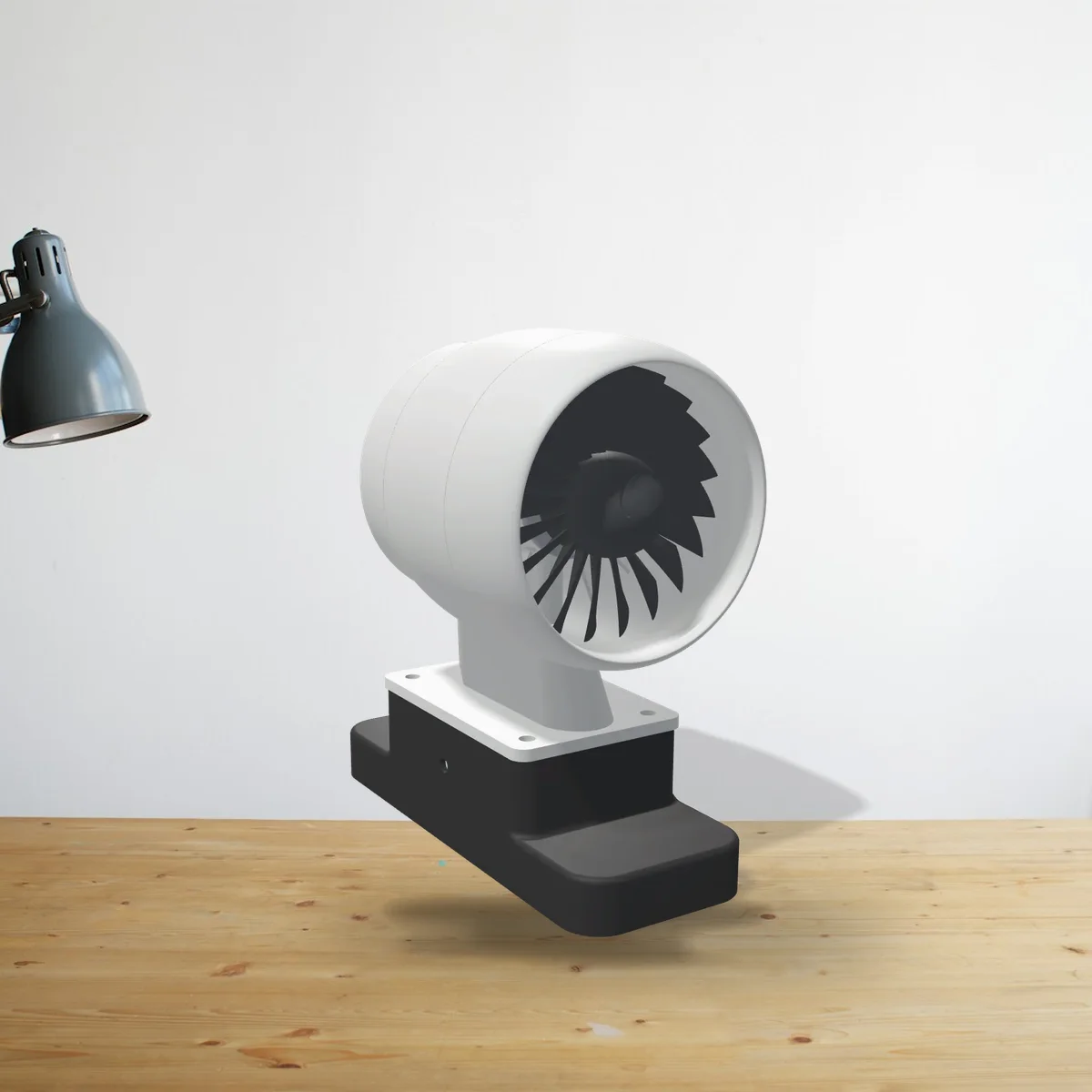
Jet Engine Desk Fan
A turbofan with 20 swept blades. Fits the Turbo Desk Fan's base and prints without supports.
View and download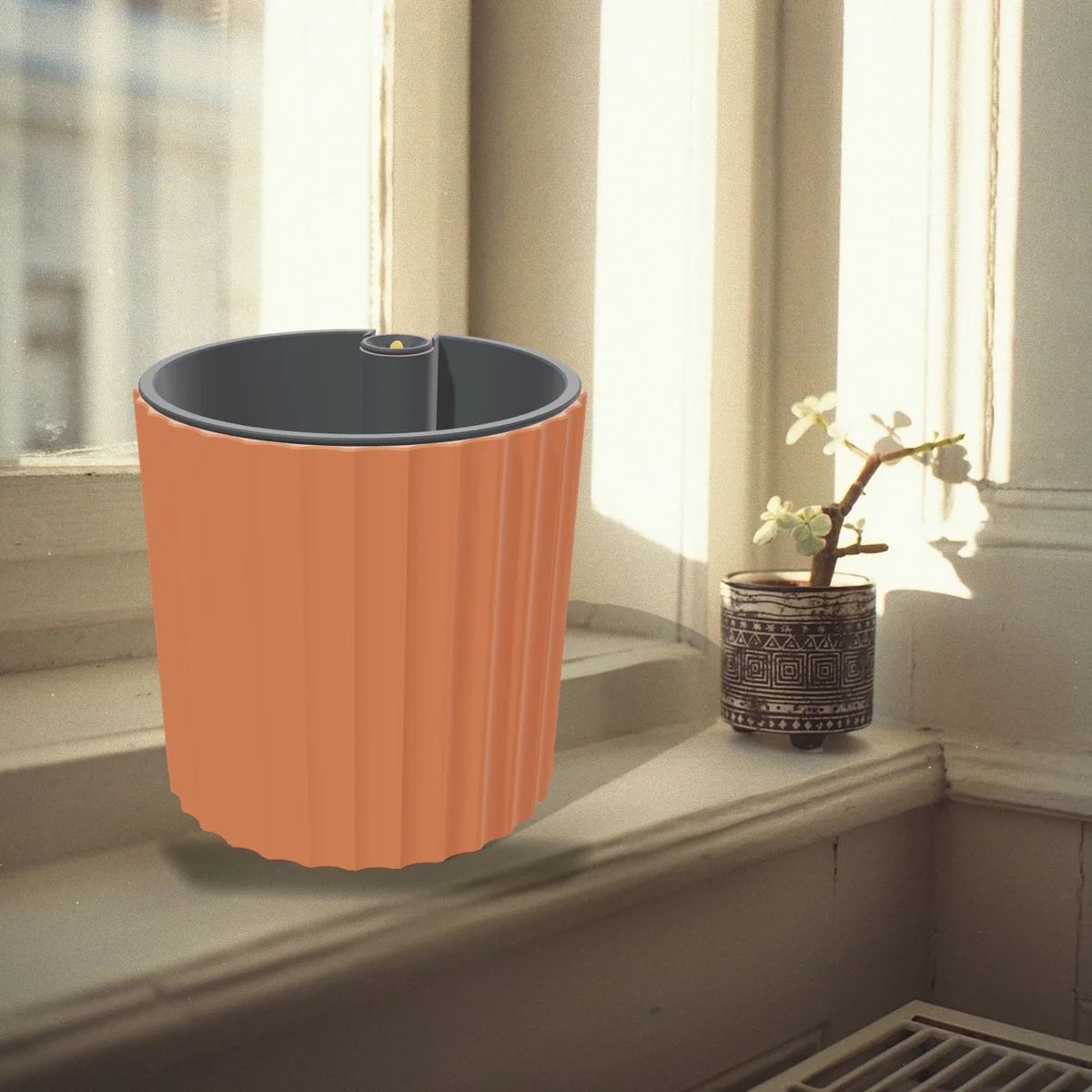
Self-Watering Planter
A fluted planter for a 12 cm plant, with a hidden 0.6 litre reservoir and a float that shows the water level.
View and download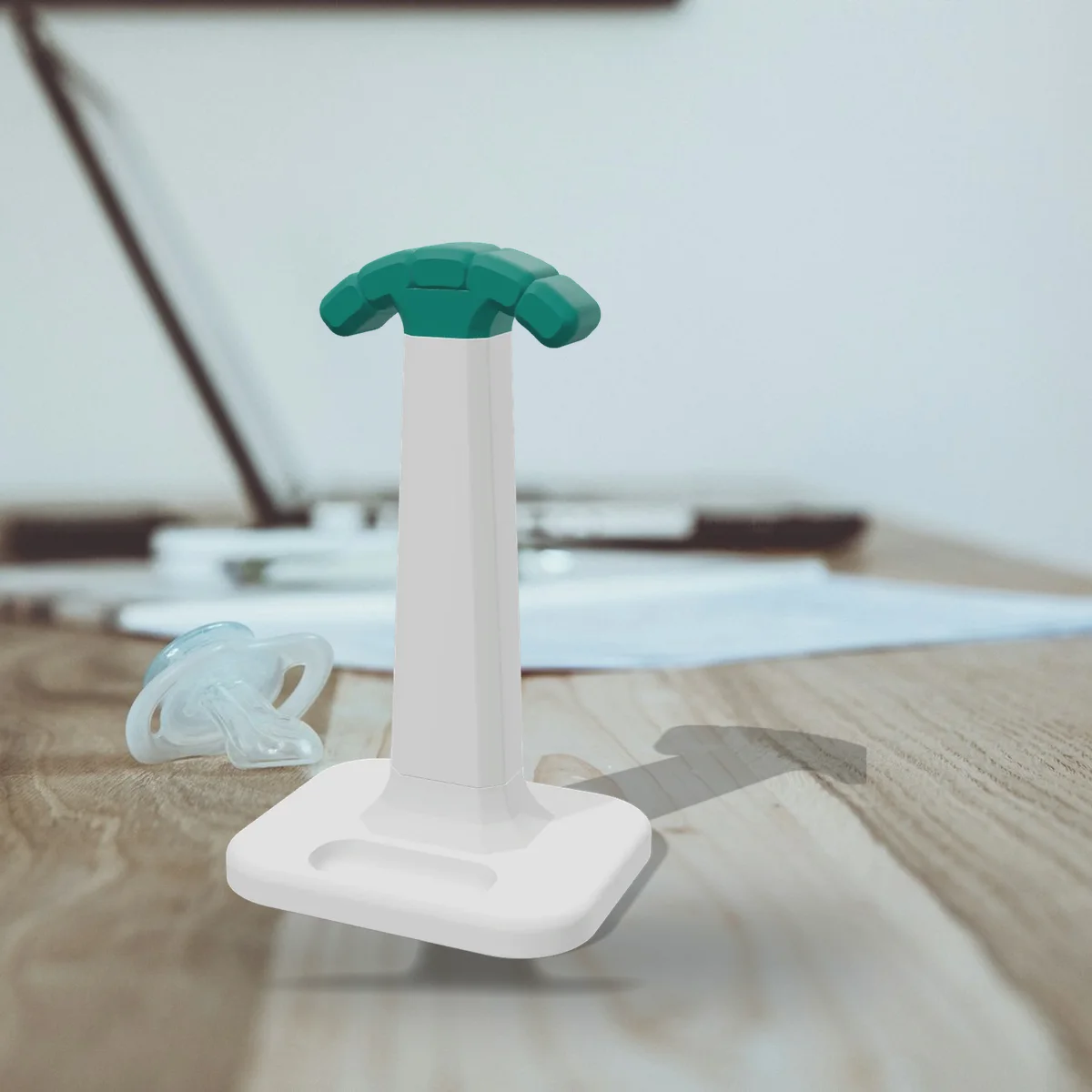
Headphone Stand
A sturdy headphone stand with a bayonet base, a cushioned hanger, an earbud tray and a cable hook.
View and download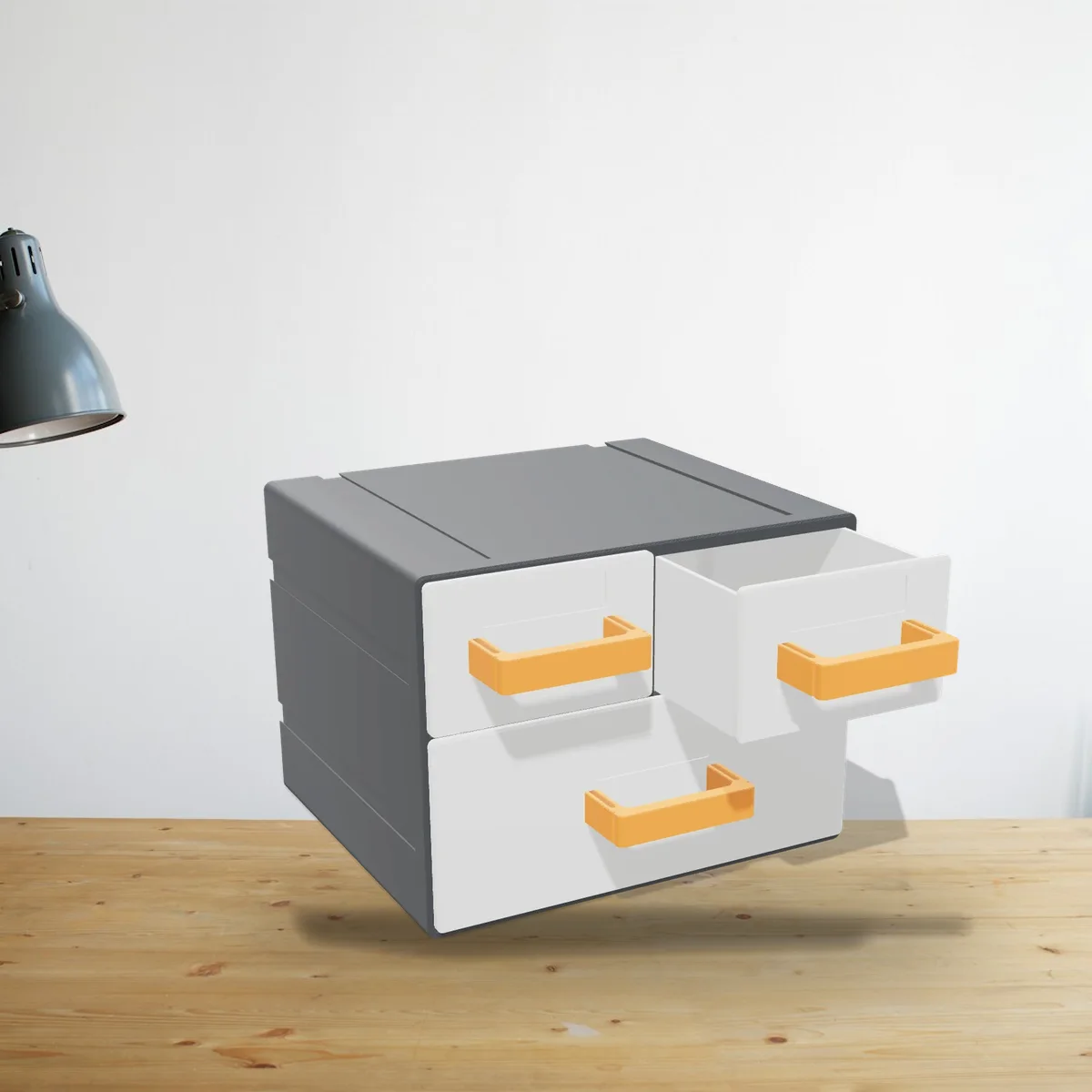
Mini Drawer Cabinet
Two small drawers and a wide one, with drawer stops and clip-on handles. Stack or link as many as you like.
View and download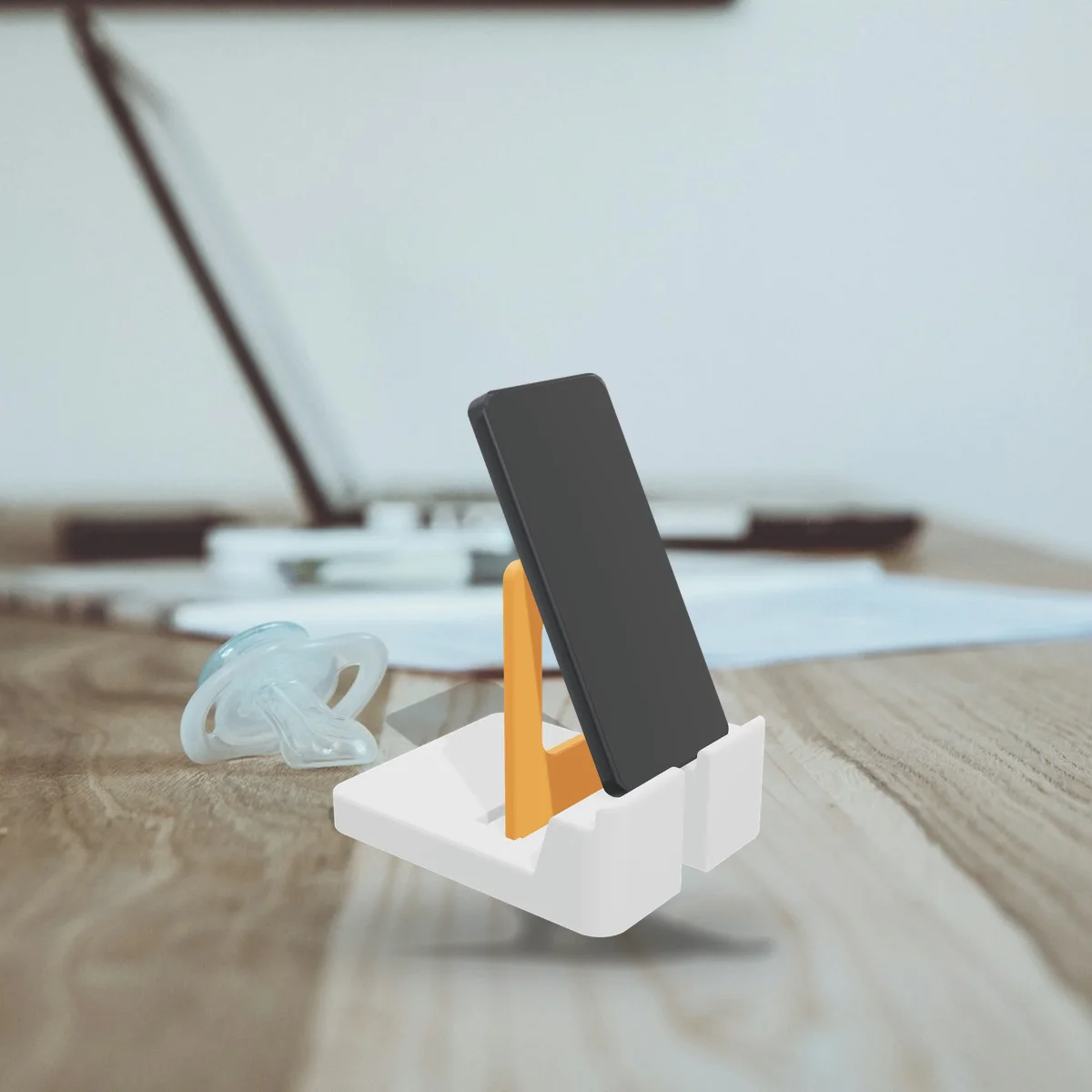
Phone & Tablet Stand
Plug the back in at 55, 65 or 75 degrees. Fits phones and tablets in a case, with a slot for the charging cable.
View and download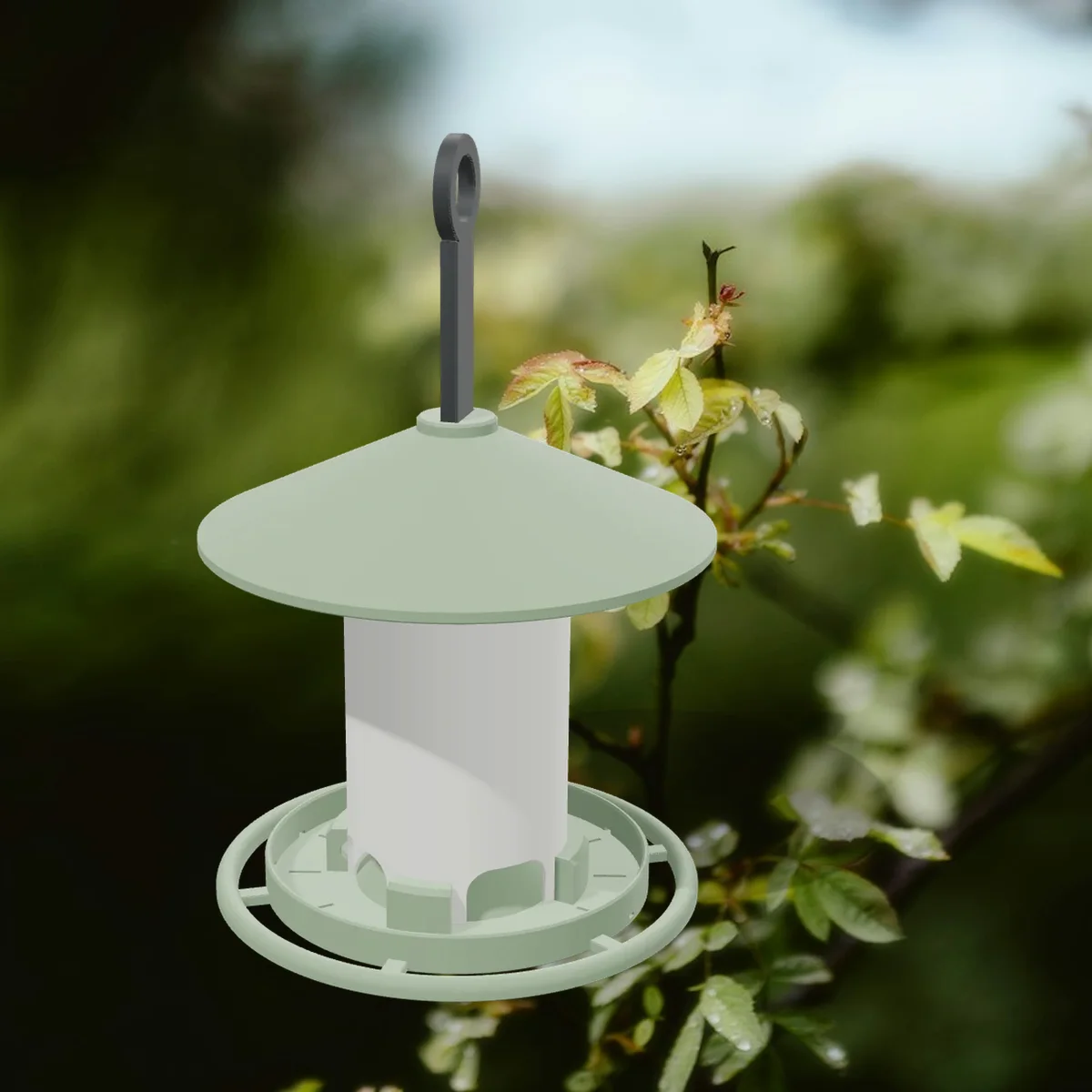
Bird Feeder
A hanging seed feeder with a twist-lock tube, a perch ring and a roof that slides up to refill.
View and download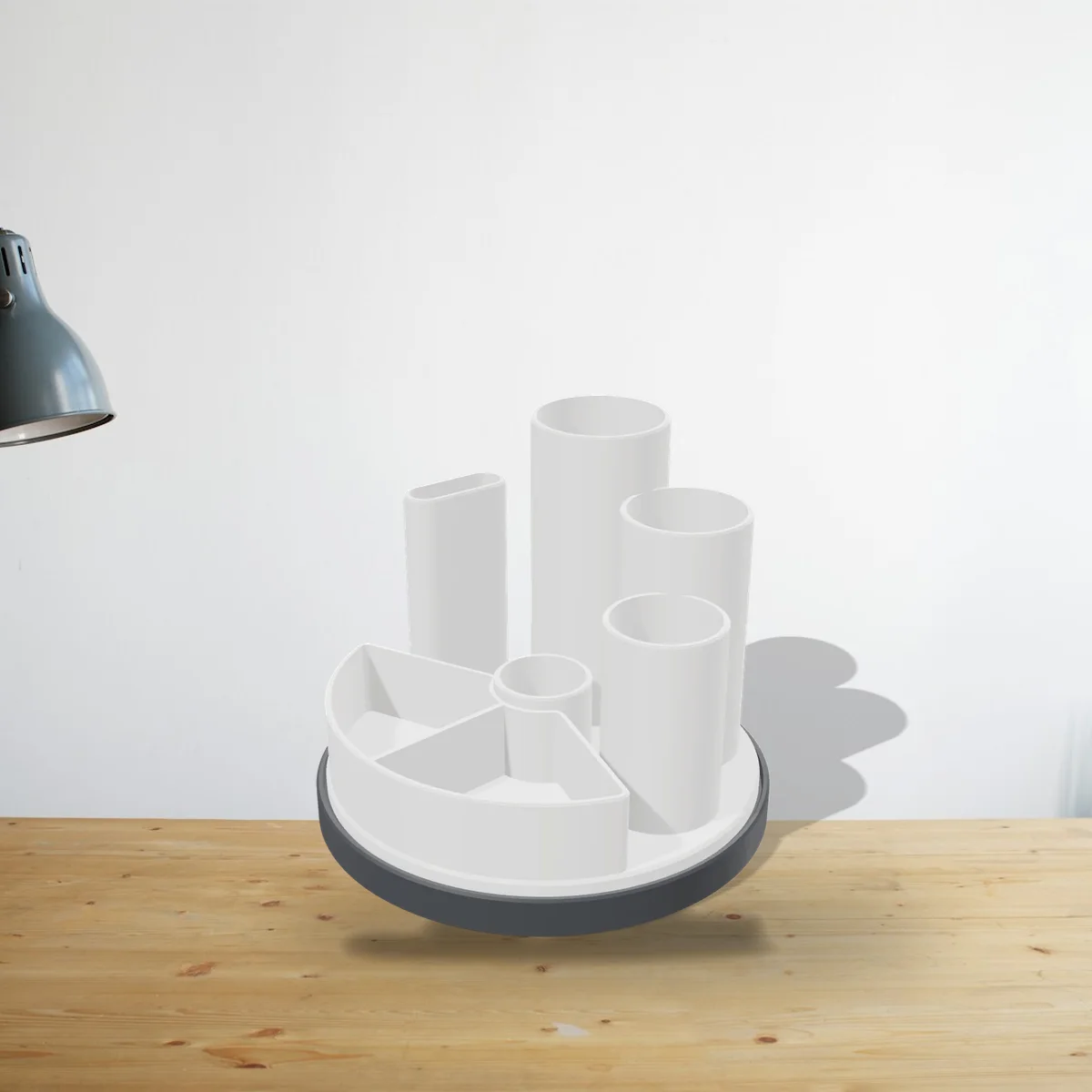
Rotating Desk Organizer
Pen cups, a scissor slot and a tray on a base that spins smoothly on 6 mm airsoft BBs.
View and download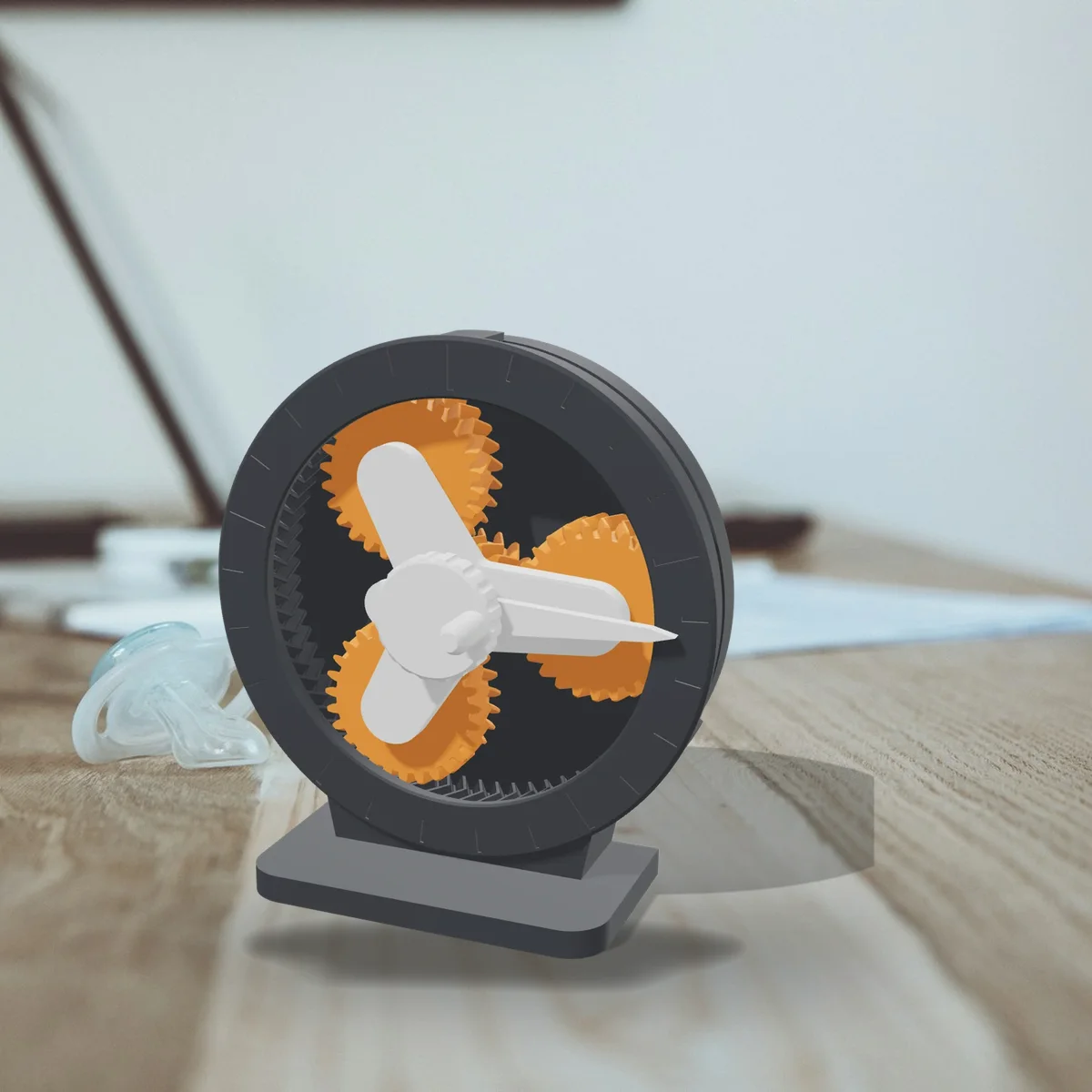
Planetary Gear Desk Toy
A hand-cranked 5:1 planetary gearbox with herringbone teeth. Clicks together and prints without supports.
View and download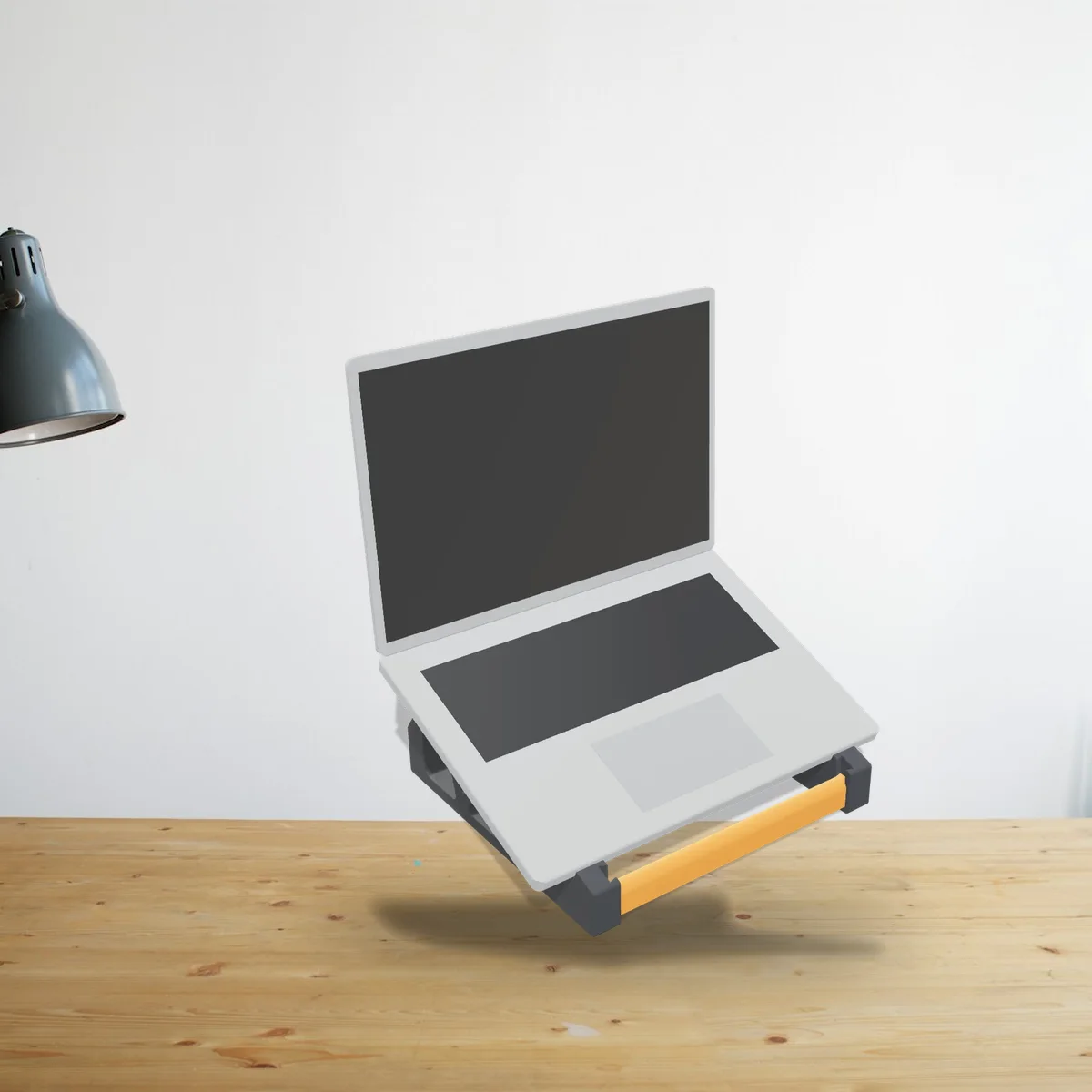
Laptop Stand
Lifts your screen about 12 cm at a 20° tilt. Fits 11 to 16 inch laptops; the cross bars wedge in, no screws.
View and download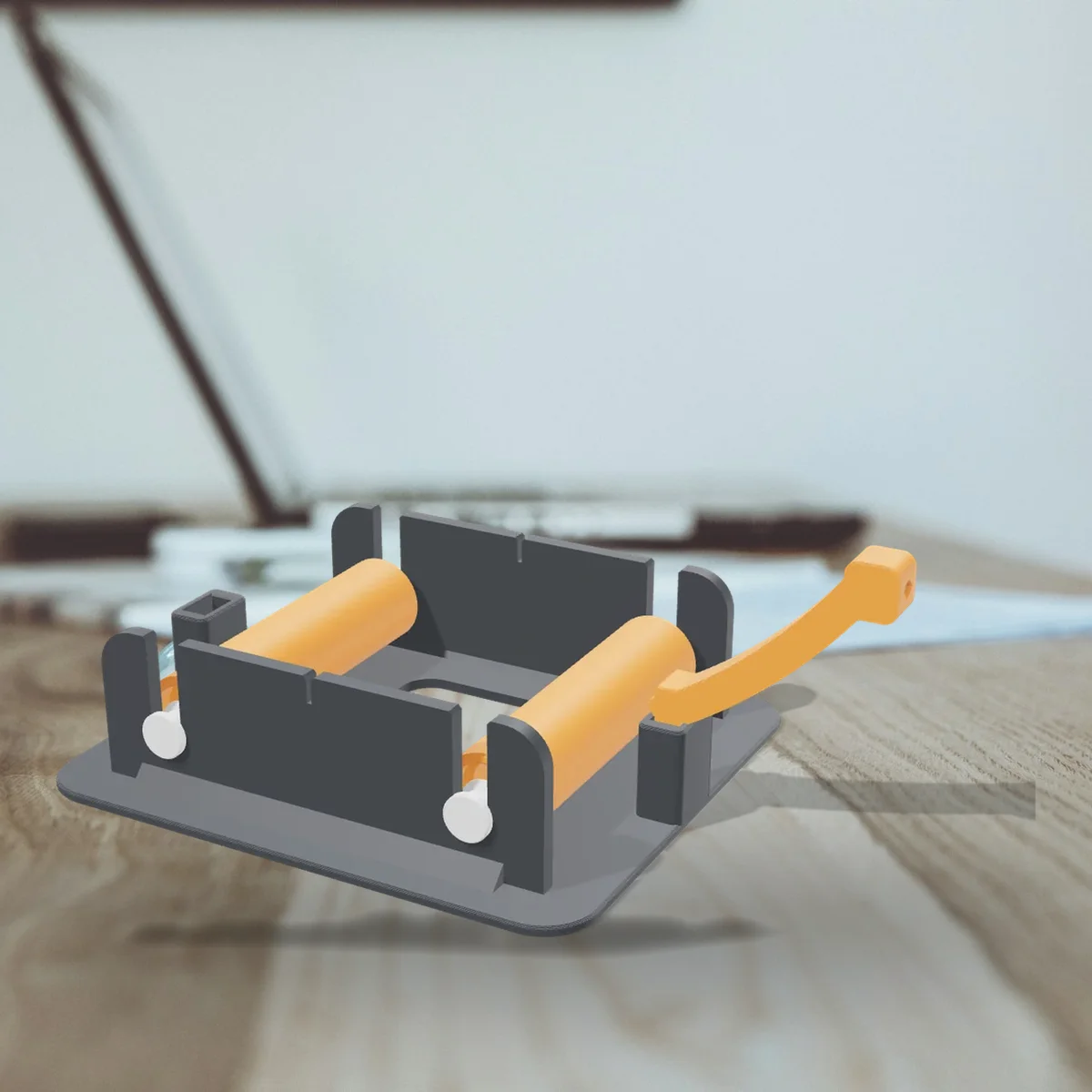
Filament Spool Holder
Rolls any spool from 250 g to 3 kg on four 608 skate bearings, with a filament guide. Any hub size.
View and downloadWhat you see is what you print

Design
Pick a maker, add your photo or text and adjust it. The 3D preview updates as you go.

Download
Click Download STL. The model is built in your browser and already placed the right way up for printing.

Open the STL in your slicer and print. Each maker tells you the layer height, and when to change filament for more colours.
Your photo, glowing
A lithophane is a thin white print with your photo in it. In daylight you see a relief, but as soon as light shines through it your photo appears, sharp and warm. A personal gift that stands out.

Any FDM printer and some PLA
The models are made for a standard 0.4 mm nozzle. Every maker shows the settings that give the best result.
PLA softens in heat. Don't leave your prints in a hot car or in full sun.

Good to know
Does it cost anything?
No. Designing and downloading are free, and you don't need an account.
What happens to my photos?
Nothing leaves your device. Your photo is turned into a 3D model right in your browser, and we never upload or store it.
Which phones do you have cases for?
Every iPhone from the iPhone 12 mini to the iPhone 18 Pro Max: the mini, Plus, Pro, Pro Max, e and Air models too, and the iPhone SE (2nd and 3rd generation). The sizes come from Apple's official drawings. Choose your model carefully: a case only fits that exact phone.
Can I sell prints of the free models?
The free models are for personal use (CC BY-NC 4.0): print them, change them and share them with credit to Shapekit, but please don't sell the files or the prints.
How do I print in colour on a single-colour printer?
Choose filament swaps in the maker. It tells you at which layers to add a pause (filament change) in your slicer. When the printer pauses, swap the filament and resume. With a multi-colour printer (such as a Bambu AMS or Prusa MMU) you choose multi-colour printer instead: you get one STL per colour and your slicer prints them in one go.
Can I turn any photo into an STL?
Yes, with Photo to STL. Choose a shape, size and up to eight filaments. On any printer the photo is built up from thin layers that you swap a few times (we tell you at which layers); on a multi-colour printer you get one STL per colour. With one filament it becomes a relief.
Which photo works best?
A sharp photo with clear contrast and a calm background, like a portrait. Tiny details and very dark photos come out less well. The preview shows you how it will look.